
Black Box
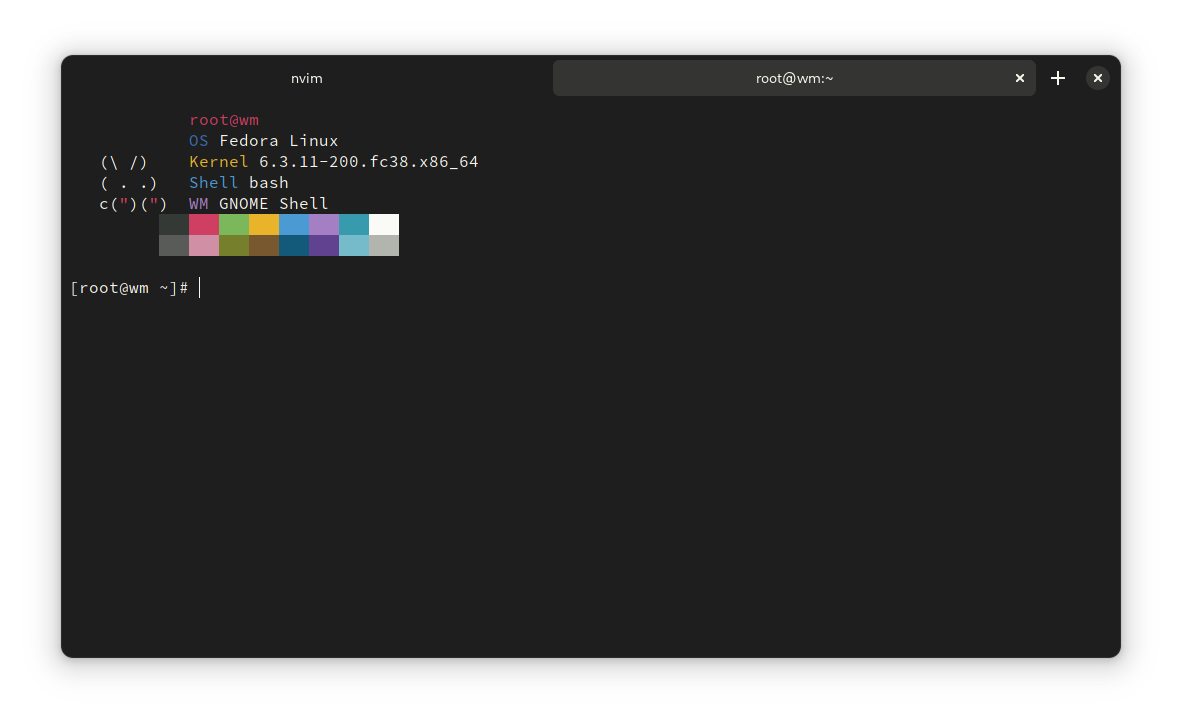
Discover Black Box, a gorgeous GTK 4 terminal emulator for GNOME. Read our review to see how its customization options can elevate your Linux workflow.
Picture this: you are deep in a development session, switching between code editors and the command line, but your terminal looks like a relic from the nineties. It does not match your modern desktop environment, the fonts are straining your eyes, and managing multiple paths is a constant headache. If you are tired of clunky command-line interfaces that disrupt your visual flow, the Black Box terminal emulator offers a refreshing, modern solution for your Linux desktop.
What is the Black Box Terminal Emulator?
Developed by Paulo Queiroz, Black Box is a native terminal emulator designed specifically for GNOME. Built with Vala, GTK 4, libadwaita, and VTE, this application bridges the gap between powerful command-line utility and modern aesthetic standards. It is tailored for developers, system administrators, and Linux enthusiasts who demand both style and substance from their daily workspace.
Key Features of this Modern Linux Terminal
This is not just another basic command prompt wrapper. The Black Box terminal emulator integrates deeply with your system while offering advanced visual and functional enhancements:
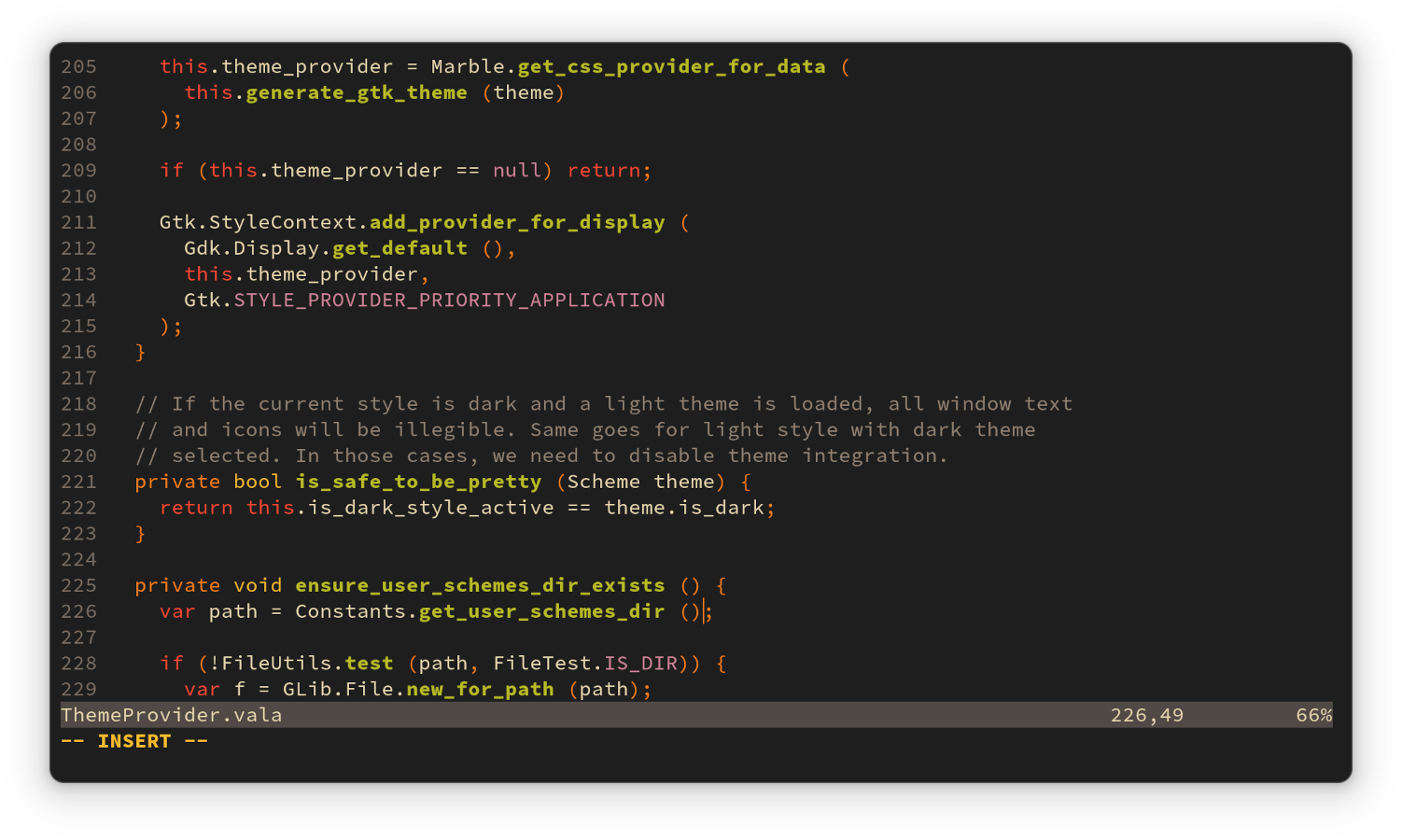
- Advanced Theming & Integration: Choose custom color schemes that blend seamlessly with the window borders and your overall desktop theme.
- Complete Headerbar Control: You can fully hide the window headerbar for a distraction-free, ultra-minimalist terminal experience.
- Intelligent File Handling: Quickly open web links and local files by holding Ctrl and clicking on URLs or file paths directly in the terminal window.
- Drag-and-Drop Convenience: Easily paste file paths into your active session simply by dragging files directly into the window.
- Sixel Graphics Support: Render Sixel escape sequences directly inside the terminal, allowing for inline image previews.
- Tailored Workspace: Fully customize your keyboard shortcuts, font families, and text sizes to match your exact preferences.
Who is Black Box For?
If you spend hours in the command line and value a clean, distraction-free environment, this app is designed for you. Linux users who appreciate the polished look of libadwaita and GTK 4 will find that the Black Box terminal emulator feels like a natural extension of their operating system rather than a third-party afterthought.
Get Started with Black Box
A beautiful desktop environment deserves a beautiful command center. By combining modern aesthetics with practical features like drag-and-drop paths and Sixel rendering, this app elevates the humble terminal into a centerpiece of productivity. To try this terminal for yourself, head over to the official Flathub store page to explore installation options for your Linux distribution.