
Document Scanner
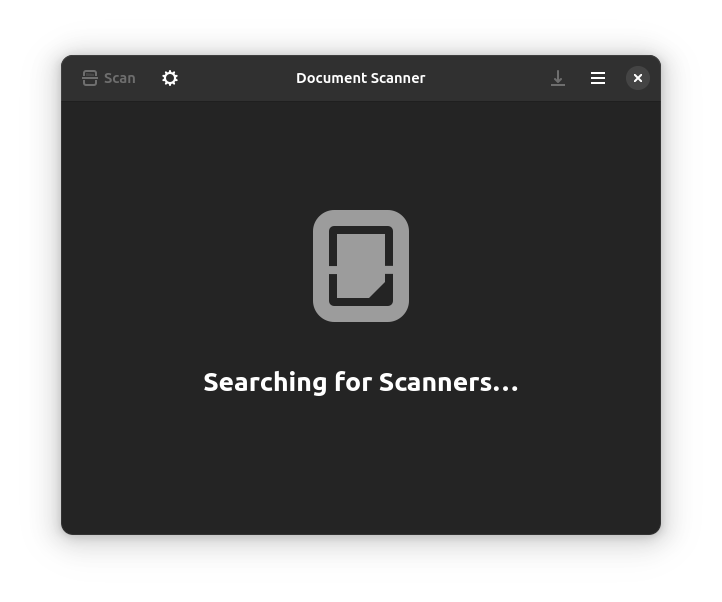
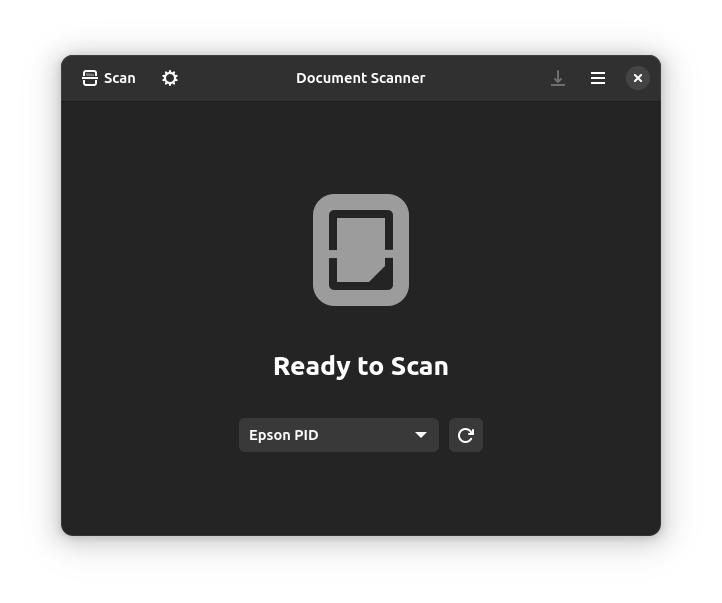
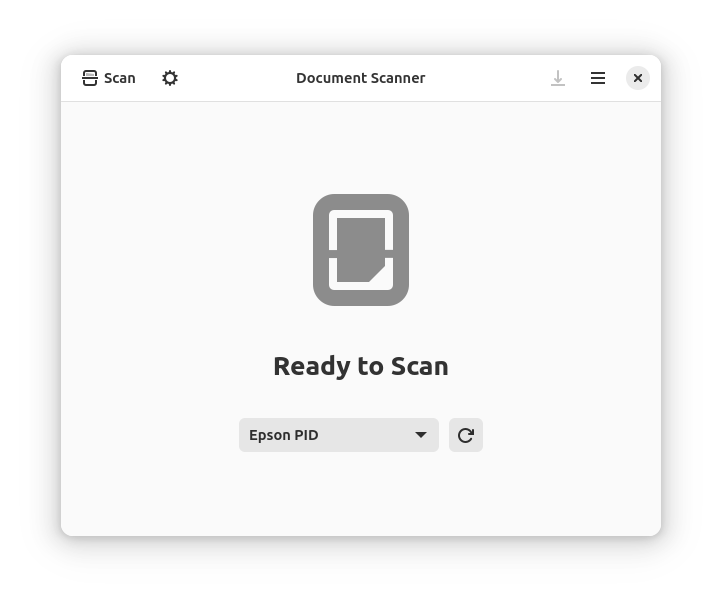
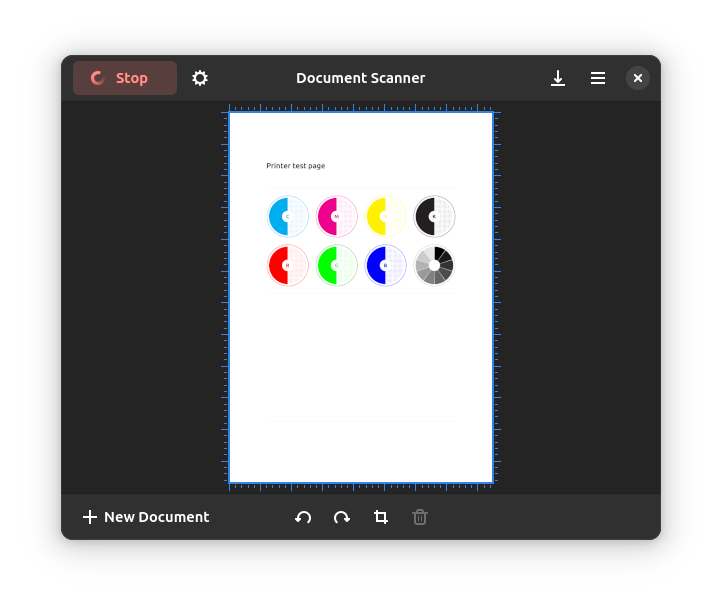
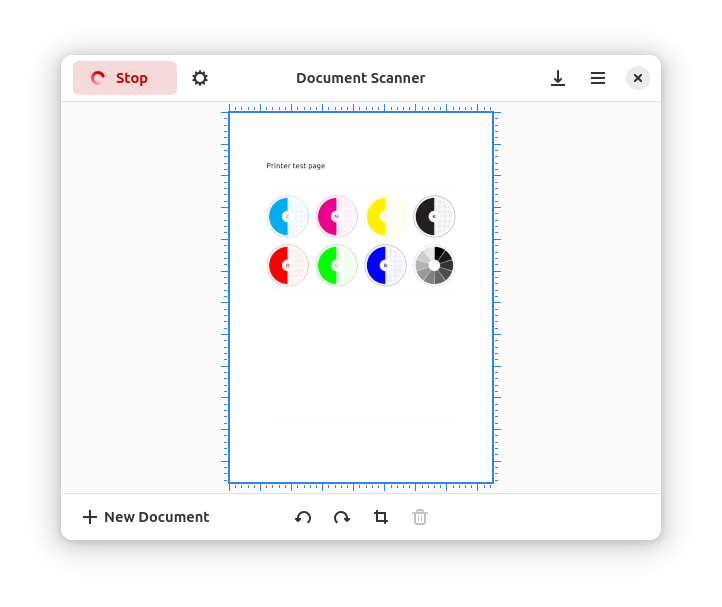
Read our in-depth review of Document Scanner for Linux. Discover how this GNOME Project tool simplifies digitizing your physical paperwork and photos.
The Hassle-Free Way to Digitize Your Paperwork
Picture this: you have a stack of signed contracts, receipts, or old family photos sitting on your desk, and you need to convert them into clean, shareable digital files immediately. Instead of wrestling with overly complex software, the Document Scanner utility by The GNOME Project offers a streamlined, distraction-free solution for Linux users. It bridges the gap between physical paper and digital storage with absolute simplicity.
Key Capabilities of the Document Scanner Utility
This application is designed around efficiency, stripping away unnecessary menus to focus entirely on delivering high-quality digital copies. Here is what makes it an essential tool for your productivity suite:
- Smart Image Adjustments: Easily crop out unwanted margins or background elements from your scans. If a page goes in upside down, the quick-rotate tool fixes the orientation in a single click.
- Versatile Export Formats: Save your completed scans as standard image files or compile multi-page documents directly into a single PDF.
- Direct Printing: Send your scanned documents straight to your local printer without needing to save them first.
- Broad Hardware Support: Powered by the robust SANE framework, this software automatically recognizes and supports the vast majority of consumer and professional scanning hardware.
Who Is This Application For?
The Document Scanner utility is tailored specifically for Linux users who value utility and speed. Whether you are running a home office, archiving old photo albums, or managing daily administrative tasks, its clean interface ensures you spend less time configuring settings and more time getting work done. It is especially beneficial for those who prefer lightweight, open-source tools that integrate seamlessly into their desktop environment.
Our Editorial Verdict
The GNOME Project has successfully delivered a tool that does exactly what it promises without any unnecessary bloat. By focusing on core features like cropping, rotating, and multi-format exporting, it remains one of the most reliable productivity tools available for the platform. If you need to manage physical media efficiently, we highly recommend exploring this software. You can find more details and access the application on its official Flathub store page.